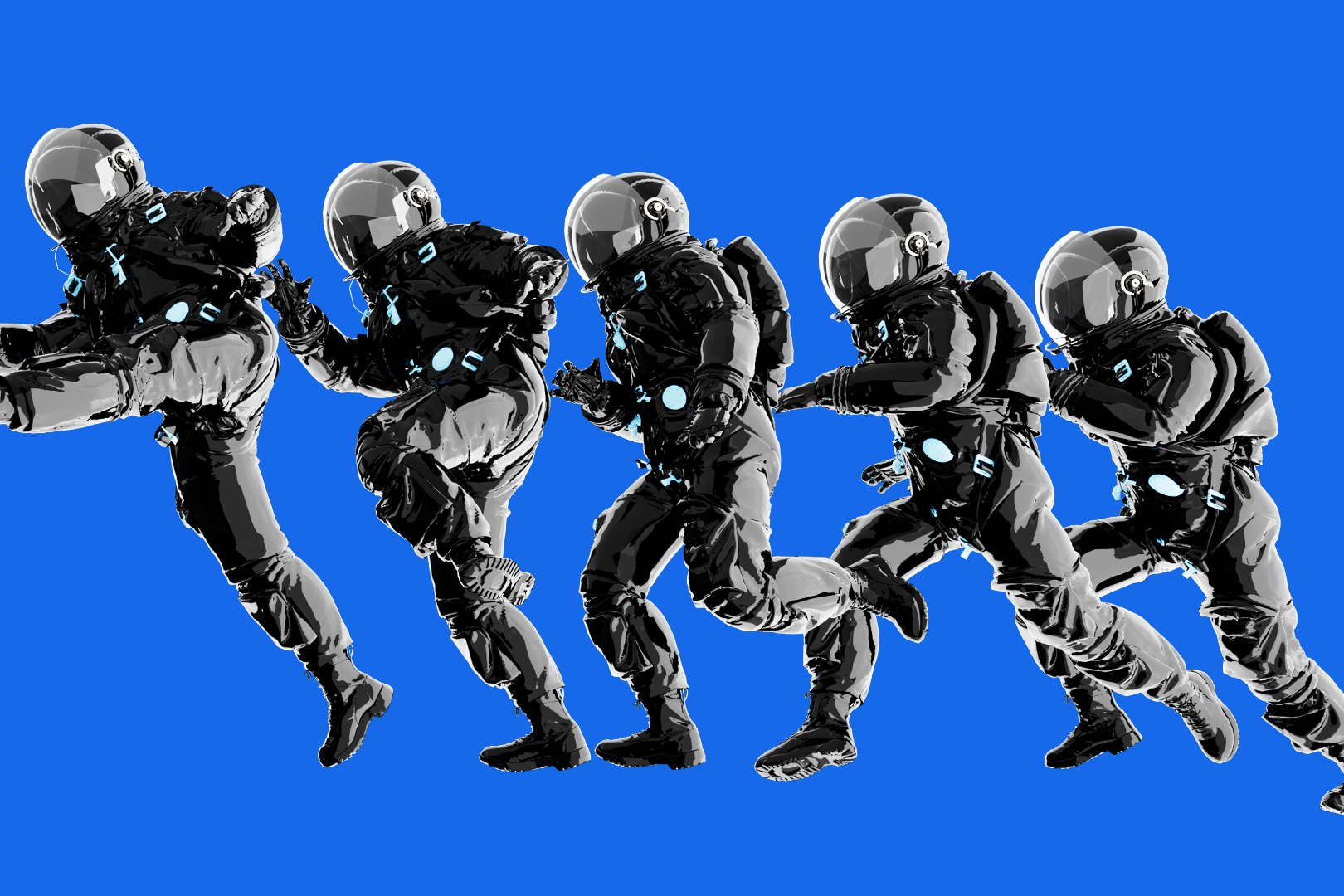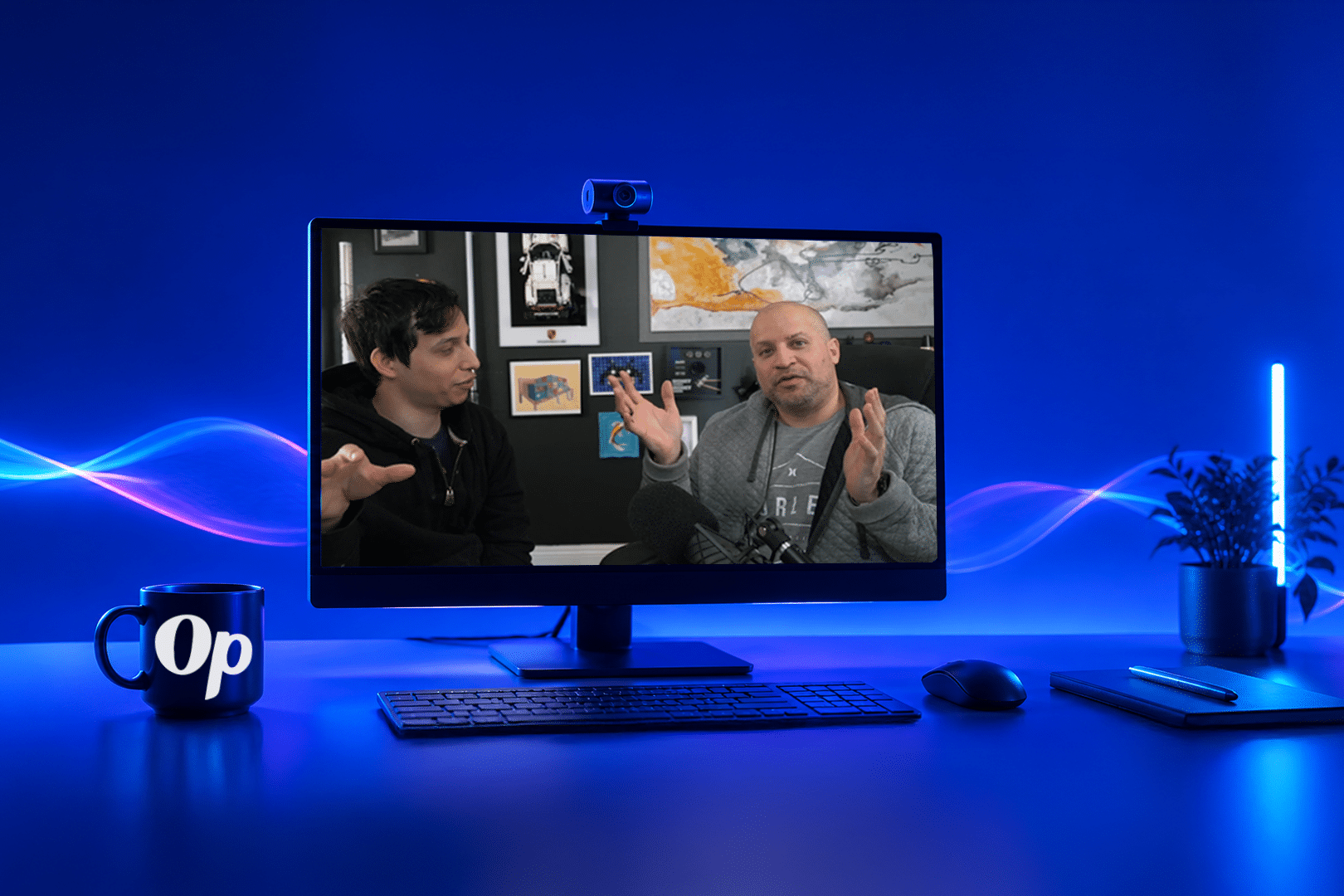


When we talk about video and motion, people usually think about a video ad, a 30-second explainer, a customer story, something along those lines.
But that’s not always what a website needs.
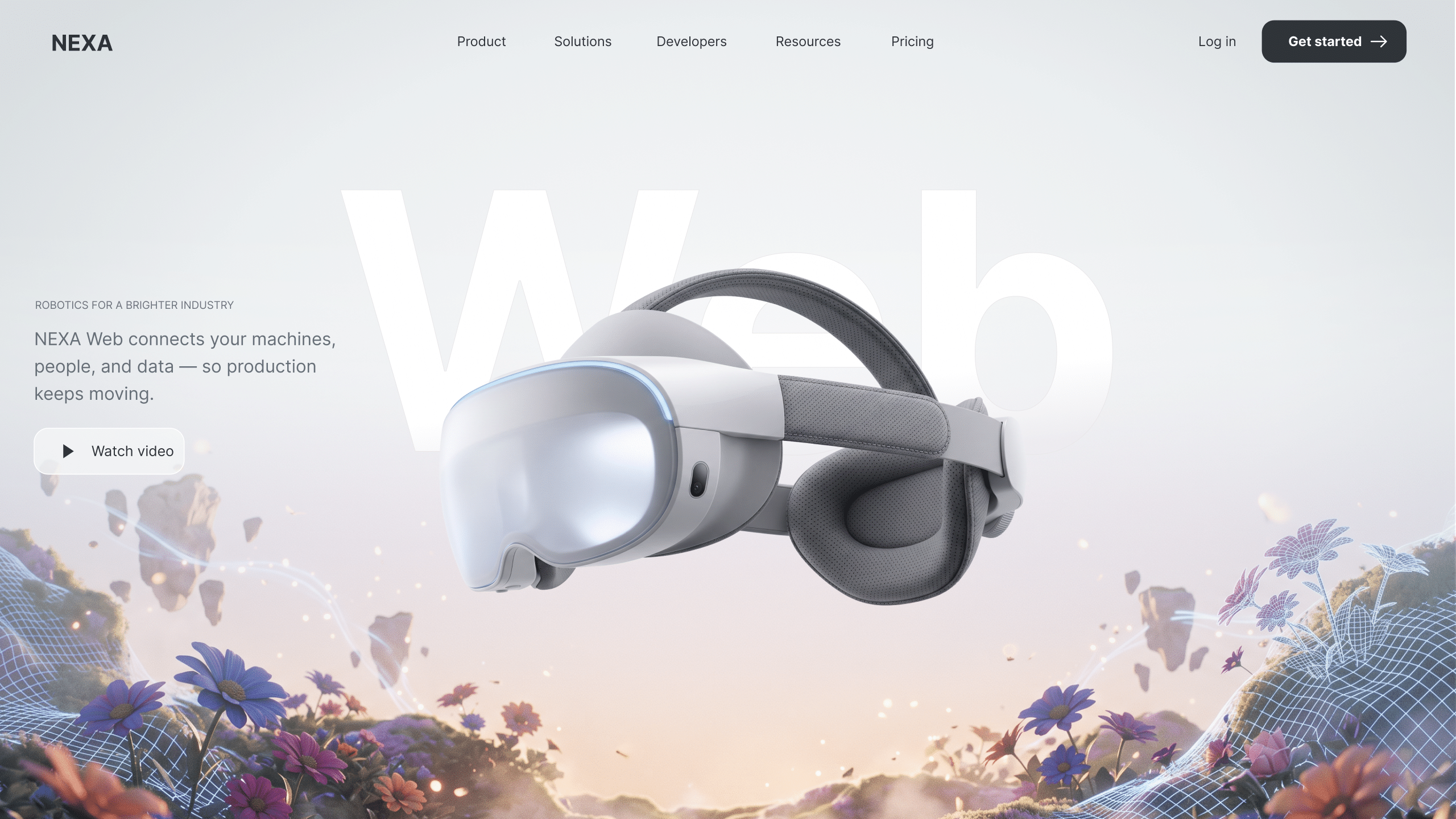
Sometimes it’s a short looping piece in the header. Maybe it’s an animation that helps explain a complicated service. It could be a diagram that shows how things connect, or something interactive that responds as you move through the page.
We do this too.
I was recently talking with a client about adding motion to several of their key service pages. Rather than dropping the same type of video into each one, we talked about creating a shared visual language across the site, while still giving each service its own movement and story.
That’s where this gets interesting.
It doesn’t necessarily have to be “video” at all. Once we figure out what we want the visual to accomplish, we can decide what format makes the most sense.
Video, Lottie or Rive?
Video is great for motion design, short looping pieces, real people, footage, cinematic movement, product shots, or anything that needs more visual detail. With the right optimization, video files can still stay relatively lightweight and load quickly through a CDN.
Lottie works well for lightweight animation such as diagrams, icons, logos, and simple looping graphics. It is especially useful when you want motion without adding much weight to the page.
Rive is a strong option when the animation needs to respond to the visitor. It can be triggered by actions such as scrolling, hovering, or clicking, which makes it useful for more interactive web experiences.
There is not one answer that works for every site. I would rather figure out what the page needs to do first, then choose the right tool for it.
This is actually a nice overlap with my background. Before I moved heavily into video and motion, I spent more than 20 years working in custom web development and design. So when I am working on something like this, I am not just thinking about whether the animation looks good.
I am thinking about how it works on the page. Does it help explain the idea? Does it fit naturally with the design? Is it lightweight enough? Does it add something useful, or is it just movement for the sake of movement?
Sometimes a page does not need another paragraph of copy or a full explainer video. Sometimes it just needs the right amount of movement.
Not sure where to start or need a little guidance? Talk with me. I am happy to listen and help point you in the right direction.
-Robert
Thanks for reading our article!
Motion is no longer just something added at the end of a project. It is becoming part of how brands explain, sell, and show up across every channel.
We help brands create that language, along with the templates, designs, and motion assets needed to implement it across their organization.
If you need a video that helps position your brand and makes your product easier to believe in, let’s talk.